


Accessibility is an Experience, Not a Checklist: Best Practices to Make The Classroom Accessible to All
Last Update: March 2026
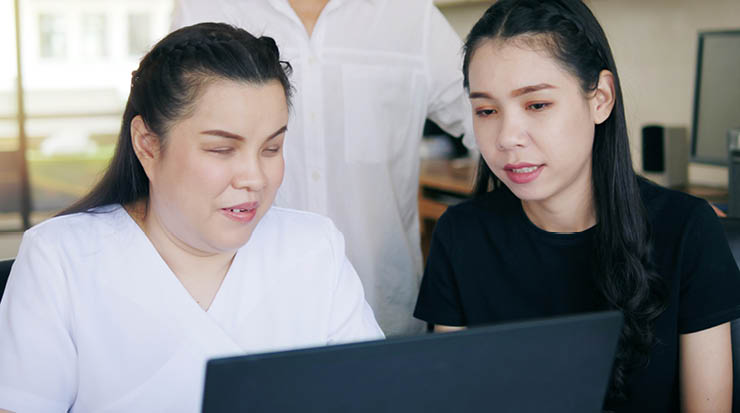
Beyond the Checklist: Accessibility as a Connection
We often treat accessibility like a set of chores (captions, alt-text, transcripts) but really, it’s about making sure every student in your room feels invited to the conversation.
When you design for the margins, you actually end up helping everyone. That student working a late shift at the hospital? They need those captions because they’re watching your lecture on mute. The student with a temporary wrist injury? They need keyboard-friendly navigation just as much as someone with a permanent motor disability. Accessibility is simply good teaching.
Small Shifts with Massive Impact
You don't need to overhaul your entire syllabus by Monday. Start with the big wins that remove the most common friction points.
- Audit your PDFs: If you’re using scanned copies of book chapters where you can't highlight the text, a screen reader can’t see it either. Switch to "OCR" (Optical Character Recognition) versions or, better yet, use the Achieve ebook reader which is built from the ground up to be accessible.
- Give grace on time: Sometimes the best accessibility tool is a simple extension button. In Achieve, you can set individual student exceptions for timed assessments in two clicks. It removes the "shame" of asking for an accommodation and keeps the focus on the learning.
We’ve found that using sans-serif fonts like Arial or Verdana and maintaining high colour contrast—avoiding light grey text on white backgrounds—makes a world of difference for eye fatigue. It’s these tiny, human choices that build a classroom where no one feels like an afterthought.
How to Start with Universal Design
If you want a North Star, it’s Universal Design for Learning (UDL). Instead of designing for a typical student and fixing things later, UDL asks us to design for variability from the start. You don’t need to be a tech expert to do this. You just need to ask a few human questions before adopting a new tool:
- Does this tool offer a consistent, predictable structure?
- Can students adjust the pace or tone to suit how they learn?
- Does it work seamlessly with the assistive technology they already own?
AI can be a powerful partner here. I’ve seen instructors use it to draft alternative versions of a reading or to scaffold a difficult assignment. The key is that it must be human-curated. AI should improve the human experience, not just produce content faster. When we keep students with disabilities in the room during the design process, we stop guessing and start building tools that actually work.
Making Technology Work for You
Before you upload a slide deck, run the built-in accessibility checker in PowerPoint. It’ll catch missing alt-text and weird reading orders that you’d never notice.
If you’re worried about the complexity of creating accessible STEM content, you aren't alone. Drawing molecular structures or graphing functions is notoriously difficult for screen readers. This is where choosing the right platform matters
We’ve worked hard to ensure that Macmillan’s Achiev e platform meets rigorous VPAT standards, meaning the tools are already vetted for you.
We also reached a milestone in 2019 when our eBooks became Global Certified Accessible. But we’ve learned that the gold standard isn't just a certificate; it’s asking if the tool reduces the cognitive load so a student can actually focus on the biology or the calculus material.
A Better Way Forward
We’re all learning here. Maybe your captions aren't 100% perfect today, or you have one old PDF that needs replacing. That’s okay. The goal is progress over perfection. When we make our classrooms accessible, we aren't just checking a box, we are telling our students, "I see you, and I’ve made a place for you here."
FAQs
How can I quickly check if my syllabus is accessible?
Use a styles hierarchy (Heading 1, Heading 2) in Word rather than just bolding text. This allows screen readers to navigate the document like a map.
What is the easiest way to caption my lecture videos?
Most platforms like Zoom or YouTube offer auto-captions, but they need a quick human edit. Spend five minutes correcting the technical terms to ensure your students get the right info.
Do accessibility changes benefit students without disabilities?
Absolutely. Research into Universal Design for Learning (UDL) shows that features like transcripts and flexible deadlines improve outcomes for ESL students, working parents, and neurotypical learners alike.
What is Achieve?
Achieve delivers research-backed personalised learning, real-time feedback, and accessibility features—all integrated into your LMS to keep students engaged without increasing your workload.
